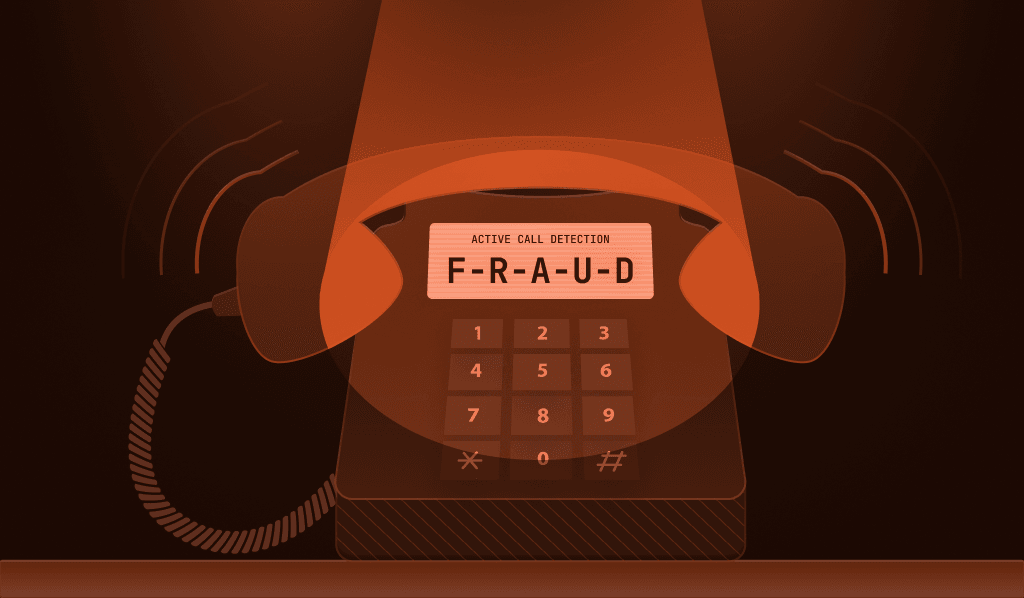
Our newest mobile Smart Signal, Active Call Detection, is now available for both iOS and Android.
Active Call Detection returns exactly one thing: whether someone is on a phone call while they use your mobile app:
"active_call": true
That is the whole response. true when there is an active cellular or internet (VoIP) call happening, false when there isn't.
A phone call happening at the same moment as a password reset or a wire transfer is one of the few clues you can get to indicate social engineering, and it requires no new permissions or personal data to access it.
Why we built Active Call Detection
A lot of fraud detection works by finding something wrong. A device that has been tampered with, a login from an unrecognized browser, or a payment that doesn't match anything the account has done before. But with social engineering, you don’t get any of that.
In a vishing (voice phishing) attack, the fraudster never touches your app. They call the victim, maybe pose as their bank or technical support, and talk them through steps to exfiltrate money, steal their account, and more.
The victim resets the password. The victim reads the one-time passcode out loud. The victim approves the transfer. Every action comes from the real person, on their real device, using their real credentials, from their usual location.
So the session looks perfectly fine because the only thing that has gone wrong is happening out loud, on a phone call, somewhere your fraud stack doesn’t see or hear.
We added this new signal to close this gap, especially for our customers in banking and fintech, where vishing scams are prevalent and disastrous.
How Active Call Detection works
Active Call Detection works on iOS and Android, starting with SDK version v2.16.0, and requires no additional permissions in your app on either platform.
It collects nothing about the call itself, such as the phone number, duration, or who is on the other end. The signal knows a call is happening, and that is all. The signal will show as true for both cellular and VoIP calls.
The signal reflects the call state at the moment of the identification event, and you'll find the result alongside the other Smart Signals in the Server API response, webhooks, and Sealed Client Results.
When to check if a user is on a phone call
An active call on its own tells you very little. What makes the signal useful is checking it at moments when a call could be suspicious or indicate social engineering, not just at app launch. For example:
One-time passcode entry. Your user is reading a code off their own device, which takes a few seconds and requires no help from anyone. A call in progress during that step suggests the code is being read to someone rather than into your app.
Payments, transfers, and beneficiary changes. Moving money is the goal of most vishing attacks, and the fraudster usually stays on the line to walk the victim through it. A call at the moment of confirmation means someone may be pressuring them to do it.
Login and account recovery. Password resets and recovery flows are how account takeover starts. A call during either one can mean a fraudster is guiding a victim step by step into handing over access.
High-risk settings changes. Updating a phone number, adding a linked device, or raising a withdrawal limit are all changes that can lead to a bigger loss later.
What to do when you detect a call
Plenty of people are on legitimate calls while they use your app, and blocking every one of them would be a great way to frustrate your customers without stopping much fraud. The useful question isn't whether to block, it's what a call in progress changes about how you handle the rest of the session.
One simple example response would be to show an indicator on the screen when someone opens your app while on a call, letting them know your company is not the one calling. It's a small UI element that prompts the victim to pause and question what they've been told. For a legitimate caller, it’s just a banner they can ignore.
Beyond a warning, there are a few other options depending on the flow:
- Require step-up authentication before a transfer or settings change goes through
- Add a short confirmation delay to high-value transactions, which gives the user time to think without the scammer's voice driving the pace
- Route the session to manual review rather than blocking it outright
- Log the result and look for patterns, like accounts where every large transfer happens during a call
And because a call by itself isn't suspicious, this signal becomes much stronger when paired with other Smart Signals, such as cloned app or developer tools detection.
Getting started with Active Call Detection
Active Call Detection is available now on Free, Pro Plus, and Enterprise plans.
To start receiving it, update your app to iOS SDK v2.16.0 or Android SDK v2.16.0 or higher, and the active_call field will appear alongside the other Smart Signals.
From there, the main thing to sort out is placement. Pick the moments in your app where a phone call is genuinely out of place, whether that's OTP entry, transaction confirmation, or account recovery, and make sure you're requesting identification at those steps.
If you want to dig into the details, our Smart Signals reference page has the full documentation.
And if you're not using Fingerprint yet, you can start with our free plan or reach out to our team to talk through how this would fit into your fraud stack.
Frequently Asked Questions
What is vishing?
Vishing, or voice phishing, is a social engineering attack where a fraudster calls a victim by phone, usually posing as their bank, a support representative, or a government agency, and talks them into sharing information or taking actions that benefit the attacker.
Why is social engineering so hard to detect?
Traditional fraud detection looks for something wrong with the device, the credentials, or the location. In a social engineering attack, the real user is on their real device with their real credentials, doing the actions themselves. The fraud happens in the conversation, not in the session or device data.
Can you detect if someone is on a phone call during a banking transaction?
Yes. Mobile SDKs can check the operating system's call state at the moment of a transaction to determine whether a call is in progress. Fingerprint's Active Call Detection Smart Signal exposes this as a true or false result without collecting phone numbers or call content.