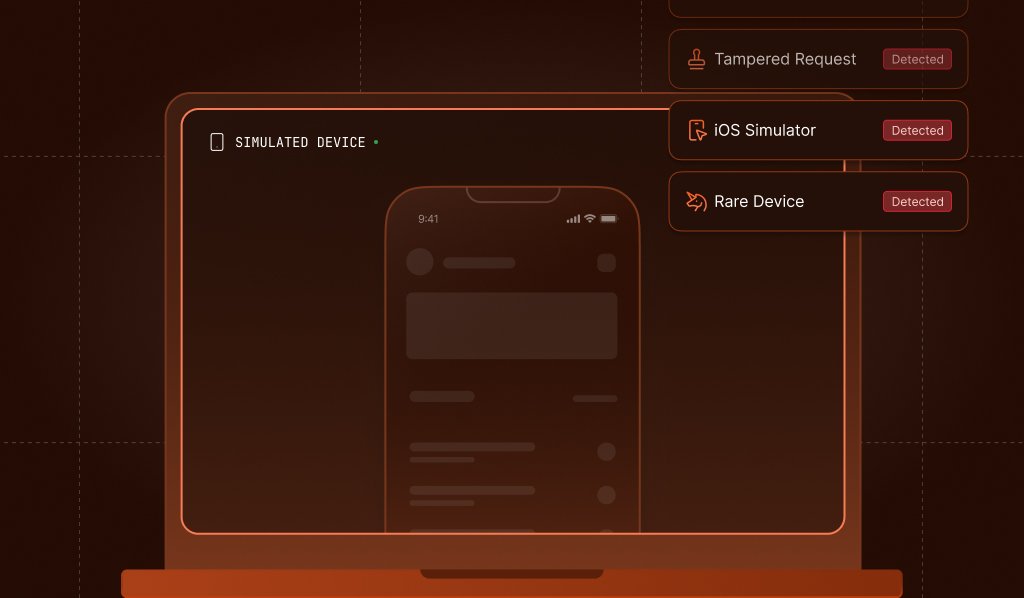
We're expanding Smart Signals with two new additions: Rare Device Detection for web and iOS Simulator Detection for mobile. Both signals surface risk context that's easy to miss when a device environment looks valid on the surface but isn't. Whether it's a device configuration that's statistically uncommon enough to warrant a closer look, or a visit coming from a simulator instead of a real device, these signals give you more to work with earlier in the decisioning process. Here's what's new!
Rare Device Detection
Rare Device Detection evaluates a combination of core device attributes, including operating system, browser version, and more, and compares that exact combination against Fingerprint's global traffic over the past 14 days. It returns a percentile bucket along with a boolean, telling you not just whether that device is rare, but also how rare: from configurations that appear regularly to not_seen, meaning this exact setup has never appeared in the reference window.
{
  ...
  "rare_device": true,
  "rare_device_percentile_bucket": "p99.9+",
  ...
}
This makes it especially useful for catching early-stage attacks. When someone introduces a new emulator, automation stack, or spoofing setup, it will appear as not_seen or p99.9+ before it becomes widespread enough to be on anyone's radar. By the time a pattern is common, the damage is often already done.
Layering Rare Device Detection with Suspect Score — or other Smart Signals like tampering or proxy detection — gives you even more context. You can take action more quickly and with greater confidence, whether that's triggering step-up authentication, routing to a review queue, or blocking outright.
Rare Device Detection is currently in beta and available to select customers. If you're interested in early access, contact our support team.
iOS Simulator Detection
iOS Simulator Detection identifies when a visit originates from a simulator rather than a real iPhone or iPad, returning a simple boolean via the simulator field. It gives you a reliable "non-genuine device" signal you can feed directly into your risk engine and fraud decisioning.
{
  ...
  "simulator": true,
  ...
}
Simulators run on desktop machines, not physical hardware, which makes them easy to parallelize at scale. Instead of needing real devices, attackers can run automated flows across simulator instances to farm accounts, abuse signup promos, collect referral bonuses, or flood your app with scripted traffic.
Pair iOS Simulator Detection with other Smart Signals like jailbreak, VPN/proxy, or behavioral velocity checks, and you get a much sharper picture of whether a given session is risky. It’s also included in Suspect Score, where you can keep the default risk weighting or adjust it to fit your risk tolerance. From there, you can trigger step-up authentication, route to a review queue, or block outright based on the confidence level of your overall signal stack.
iOS Simulator Detection is available now. Check out the documentation for more information.
Better risk context
The best fraud prevention doesn't rely on a single signal firing. Rare Device Detection and iOS Simulator Detection are designed to add new layers of risk context alongside your existing detections. They can help you catch non-genuine environments earlier, before attack patterns become widespread and before the damage scales. Combined with Suspect Score, tampering, VPN/proxy, and behavioral signals, they give you more to work with at every stage of your decisioning.
iOS Simulator Detection is available now in iOS SDK v2.12.0+. For Rare Device Detection beta access, contact our support team.