We're constantly adding new ways to help you learn more about your visitors and detect fraud that might otherwise go unseen. Recently, we added new signals for web and mobile that surface some of the ways fraudsters avoid detection, from a live phone call during a banking session to automated browsers passing themselves off as genuine Chrome. Let's take a look at the latest signals to help you better understand your visitors and stop fraud.
Active Call Detection
One of the many ways victims get defrauded is through social engineering schemes that get them to do something they shouldn't. Unfortunately, in these scenarios, the user is using their regular device, from their usual location, and everything looks fine on the app level since it's the user who is performing the action. The fraud is happening outside the app, perhaps during a call from a fake banker who walks them through resetting their password or authorizing a transaction.
Active Call Detection is a new signal that indicates whether a cellular or VoIP call is active at the time of an identification event. By checking it at high-risk points such as one-time passcode entry, transfers, account recovery, and important setting changes, you can detect whether the user is potentially being defrauded over the phone. You can then take action, such as displaying a banner letting them know your company is not the one calling.
The signal does not return any information about the call, such as the duration, the phone number, or who is on the other end, and it doesn't require any new app permissions. This new Smart Signal is available on iOS with Pro Plus and Enterprise, and on Android with Free, Pro Plus, and Enterprise, and requires SDK v2.16.0 or higher.
Distinguish Chrome from Chromium-based browsers
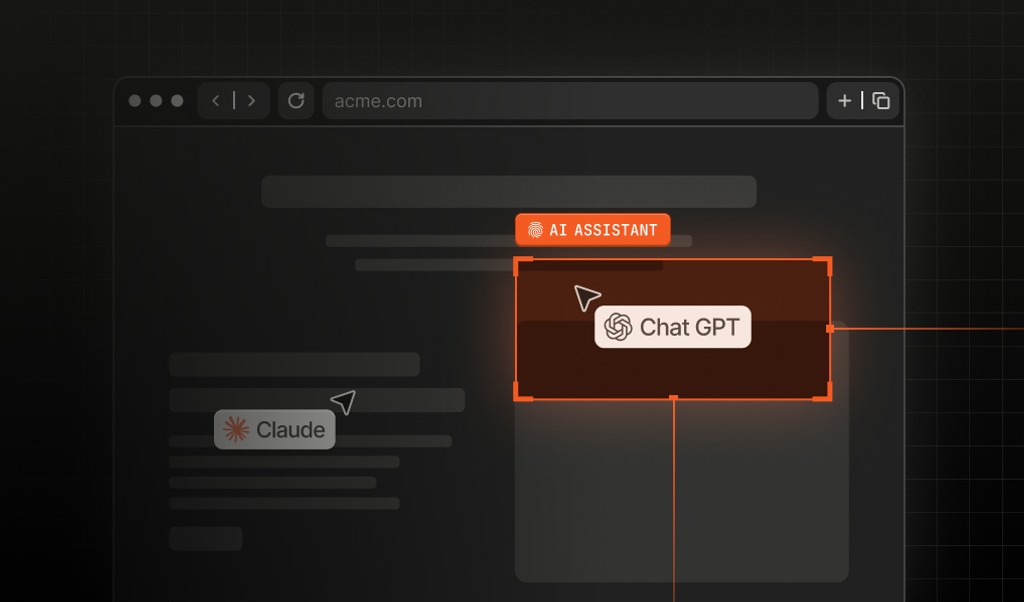
Chrome's market share, combined with the open-source Chromium foundation beneath it, made "Chrome" the most useful thing for a bot to claim to be. It used to be that we labeled some Chromium-based browsers as Chrome with a frozen version number. Now requests from Chromium-based browsers, including newer AI browsers, return browserName: "Chromium-Based Browser" and browserVersion: "Not Available". Genuine Chrome still returns Chrome and its real version.
This prevents fraudulent Chromium-based sessions from masquerading as legitimate Chrome sessions. It also gives your fraud models richer data to work with, so you can make sharper risk decisions without over-blocking real users, and expose more of the infrastructure that bots rely on to operate at scale. The update is free on all plans and requires JavaScript Agent v3.8.30 or higher.
Developer Tools Detection for mobile
Our original Developer Tools signal for the browser now extends to mobile apps. On iOS, it checks three conditions: Whether developer mode is enabled on the device, whether the app was signed with a development profile rather than distributed through the App Store, and whether the app is currently running from Xcode. On Android, it works at the device level by checking whether developer options are enabled, ADB is active, and USB or wireless debugging is enabled.
Developer tools are a normal part of building and testing an app, but in a production environment, they can indicate reverse engineering, dynamic instrumentation, and automated abuse. Treat it as additional risk context alongside signals like Frida detection, Android emulator detection, and iOS simulator detection.
The mobile signal is available on iOS with Pro Plus and Enterprise, and on Android with Free, Pro Plus, and Enterprise. It requires Android SDK v2.6.0 or higher, or iOS SDK v2.12.0 or higher.
Proximity Detection for web
Proximity Detection, which used to work only on mobile devices, now also works for browsers. Just like with the mobile signal, once a visitor grants browser location permission, Fingerprint generates a secondary identifier that represents a physical zone rather than a specific device or browser. Even when visitor IDs differ or change, the Proximity ID can identify that devices are in the same physical zone, making patterns such as device farms, multi-accounting, and identity resets without meaningful movement visible.
Proximity IDs cannot be reverse-mapped to a specific location. We use a discrete global grid system that represents locations as coarse, non-identifiable zones.
This expanded signal is free on all plans and requires JavaScript Agent v3.12.9 or higher.
Want to learn more about using device signals to stop fraud and improve user experiences? Get in touch for answers or demos, or get started for free!