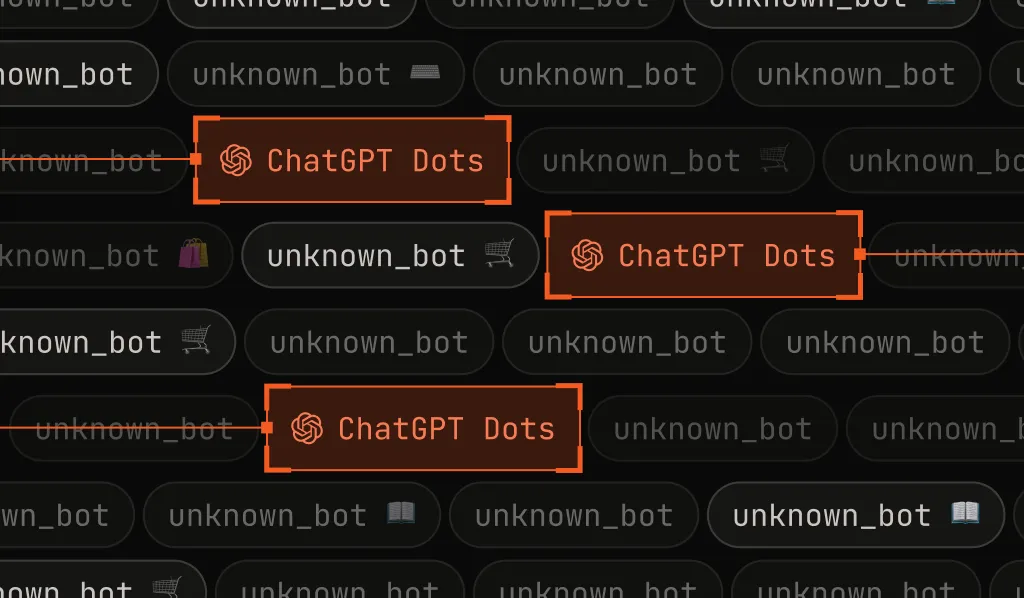
What is ChatGPT Dots?
Dots are OpenAI's always-on AI agents in ChatGPT. A user hands a Dot a goal, and it carries the job forward without step-by-step direction, even while it runs several other projects. Each Dot learns its owner's preferences from feedback, and OpenAI says some of its work will show up before anyone asks for it.
Each Dot is powered by OpenAI's frontier models, including GPT-6 Astra and GPT-6.1 Terra, and works from a cloud computer of its own, with its own browser. It can reach more than 4,000 apps through OpenAI's plugins, and users can message or call it from ChatGPT, Slack, or Teams. When nobody has given it a task, a Dot goes looking for ways to help on its own.
OpenAI launched Dots at DevDay on September 29, 2026, for ChatGPT Pro and Business Premium subscribers, with an Enterprise beta that workspace admins can turn on. One Dot comes with each eligible plan at no extra cost.
To the websites it visits, a Dot looks like a person at a browser: it loads pages, fills in forms, signs in, and completes multistep tasks around the clock. That makes Dots useful to the people who rely on them. It also means Dots traffic is already reaching your site.
Why is ChatGPT Dots so difficult to detect?
When a Dot browses from OpenAI's cloud, it signs its requests with Web Bot Auth, the same way ChatGPT Agent does. A site that checks those signatures can verify the request came from OpenAI. That's a good start, but a signature alone doesn't answer every question fraud and security teams have.
- It arrives as ChatGPT Agent. Dots signs its requests the same way ChatGPT Agent does, so its traffic shows up as signed ChatGPT Agent traffic. That's different from ChatGPT-User, which fetches a single page during a chat. A Dot works on its own schedule for days or weeks, so your policies for agent traffic should account for that.
- It runs a real browser. Dots work from a real browser on a cloud computer, so the automation flags most bot detection depends on don't appear.
- It acts as the user. A Dot signs in with its owner's accounts and can act on them, so account checks see an ordinary customer.
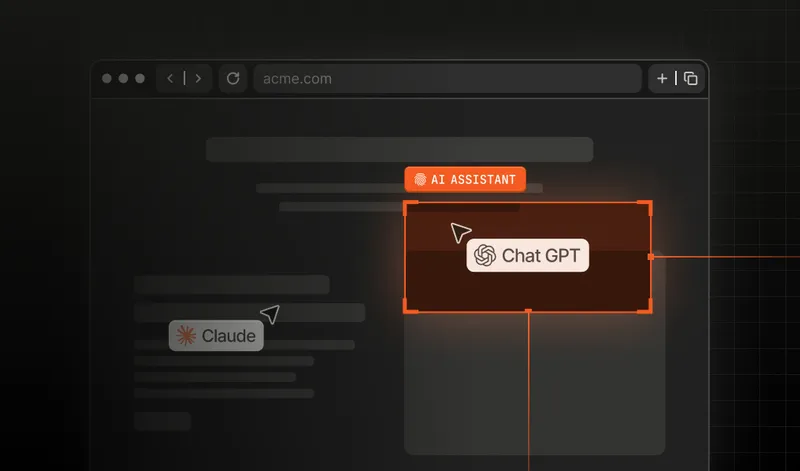
- Names can be copied. A user agent string that says "ChatGPT" proves nothing. Spoofed AI agent traffic is already bypassing defenses that trust declared names.
This is why a user agent string can't be your only signal. A verified signature tells you the request really came from OpenAI's agent. You still need to decide what that agent should be allowed to do on your site.
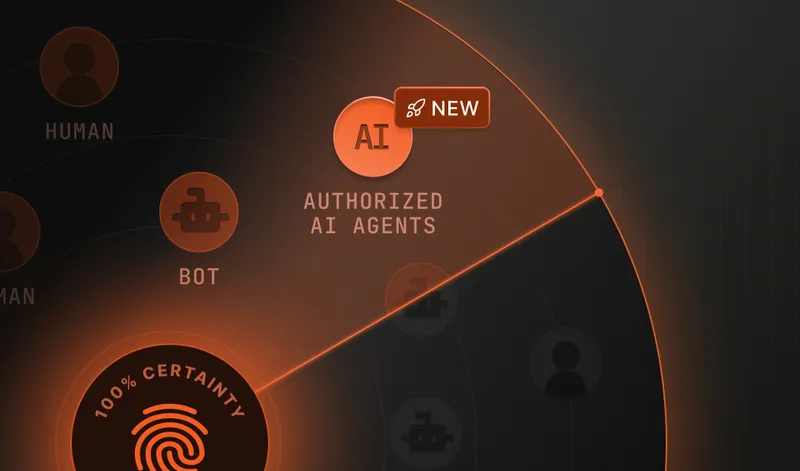
Identifying visitors in a privacy-preserving way is the problem Fingerprint was built to solve. Our Bot Detection Smart Signal and Automation Intelligence API verify Web Bot Auth signatures, so signed Dots traffic is identified as OpenAI's ChatGPT Agent, separate from ChatGPT-User and from traffic that only claims to be ChatGPT. Fingerprint has verified signed ChatGPT Agent traffic since we launched signed AI agent detection in early 2026, so Dots traffic was recognized from the day Dots launched.
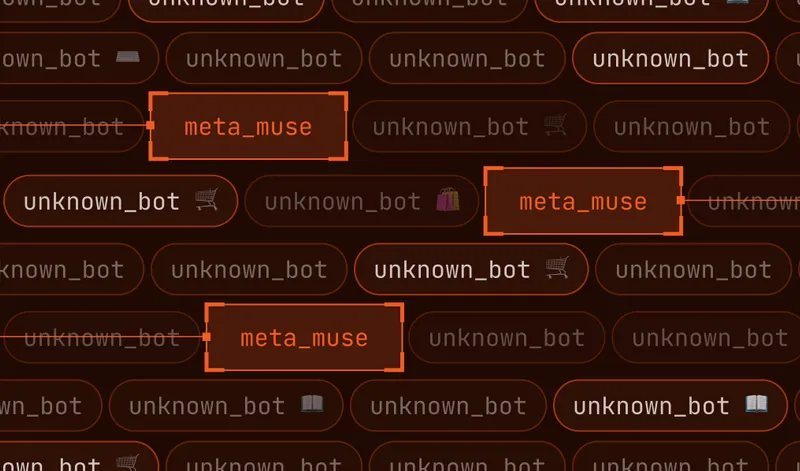
ChatGPT Dots is part of a roster of AI agents and assistants Fingerprint identifies, including xAI's Grok Bot, Meta's Muse, Google's Gemini Deep Research, Anthropic's Claude Code, and Perplexity, with many more catalogued in our Bot Directory.
How to detect ChatGPT Dots step by step
Step 1. Install Fingerprint on your website. You can start with a free account and start seeing data in minutes.
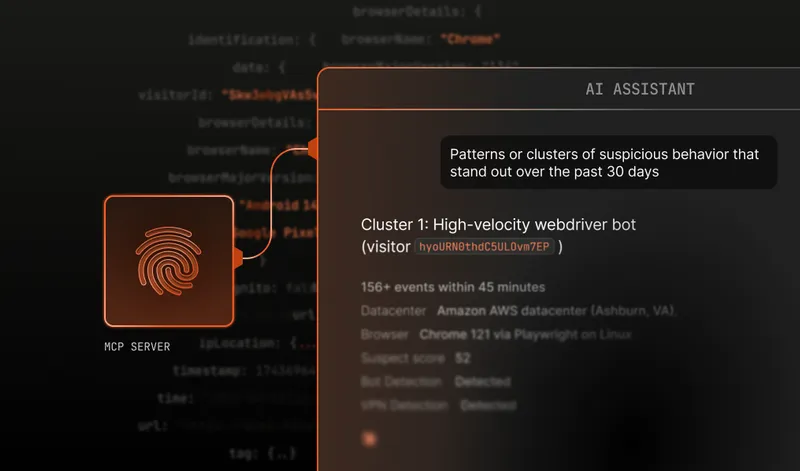
Step 2. Look for ChatGPT Dots in your bot detection results. Using our Server API or MCP server, check for bot_type: "chatgpt_agent", or filter our dashboard for events with the bot name "ChatGPT Agent". Fingerprint reports signed Dots traffic under ChatGPT Agent, the identity OpenAI signs it with.
When a Dot visits your site, the detection response includes:
{
  "bot": "good",
  "bot_type": "chatgpt_agent",
  "bot_info": {
    "category": "ai_agent",
    "provider": "OpenAI",
    "provider_url": "https://openai.com",
    "name": "ChatGPT Agent",
    "identity": "signed",
    "confidence": "high"
  }
}
Dots traffic and other ChatGPT Agent traffic return the same response, because OpenAI signs both with the same identity.
Here's how to interpret the result:
bot_type: "chatgpt_agent"identifies signed traffic from OpenAI's ChatGPT Agent, which includes Dots running in OpenAI's cloud.category: "ai_agent"classifies the traffic as an AI agent.identity: "signed"means the agent presented a verifiable signature.- confidence reflects confidence in the result and can be
"high","medium", or"low".
Step 3. Apply rules and policies. Use our rules engine or your own system to decide what happens when a Dot reaches your site. You might let it browse and search freely, add friction on sensitive flows like login, checkout, and account changes, or block it. Because signed agent traffic is identified separately from ChatGPT-User and from spoofed traffic, you can set a different policy for each.
A verified agent can earn the latitude you'd give a trusted partner. Verification tells you who is acting; your policies still decide what it's allowed to do.
Start detecting ChatGPT Dots today
If you're already a Fingerprint customer with Bot Detection, ChatGPT Dots detection is included at no additional cost. Contact our support team with any questions.
If you're not yet a Fingerprint customer, you can start for free today and start detecting ChatGPT Dots traffic, or talk to our team about how it fits into what you are building.
All article tags
- AI agent detection
- Bot detection