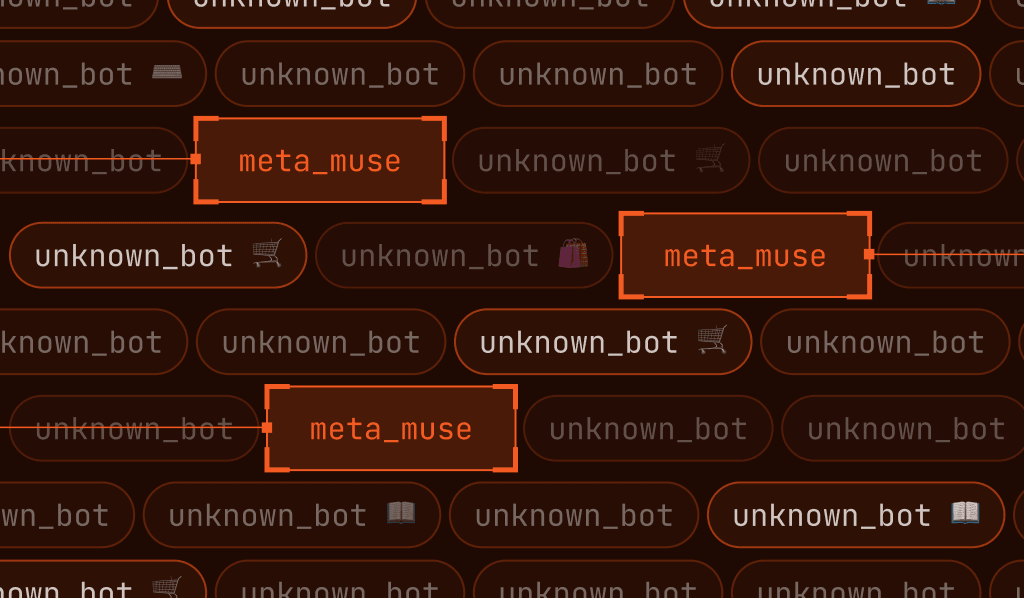
Muse is Meta's personal AI agent, and it can navigate websites, type in passwords, sign in to accounts, browse and apply promo codes, and complete purchases for real users who have given it a few simple instructions in a chat window. It does this by running a real browser on a cloud virtual machine, and it tries to arrive at websites looking like an ordinary visitor.
Many of the AI agents now working the web announce themselves on arrival, through declared user agents or requests signed with standards like Web Bot Auth. Muse does not. It provides no verifiable identity, alters its browser fingerprint, and suppresses the automation flags that most bot detection depends on.
For fraud and security teams, that raises an uncomfortable question: How do you detect a Muse visitor that has been engineered to blend in?
How Fingerprint detects Muse by name
Identifying visitors — even ones who are trying to blend in with ordinary traffic — in a privacy-preserving way is the problem Fingerprint was built to solve.
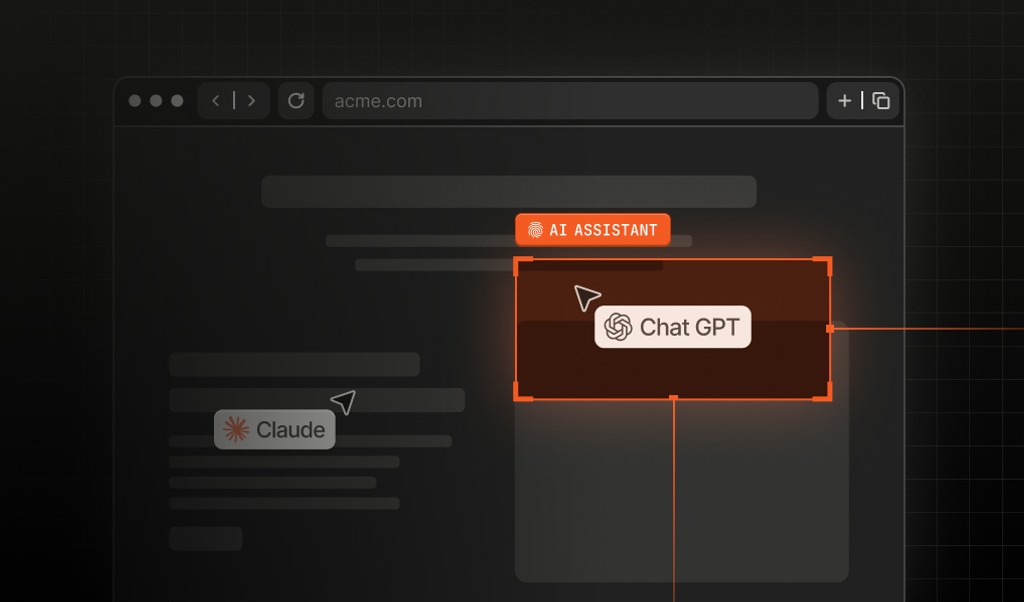
Fingerprint's Bot Detection Smart Signal will label automation inferred to be Meta Muse directly in its response. This adds Muse detection to a roster of AI agents and assistants Fingerprint already identifies, including OpenAI's Cloud-Based ChatGPT Agent (Dots), Google's Gemini Deep Research, Anthropic's Claude Code, xAI's Grok Bot, and Perplexity, with many more catalogued in Fingerprint's Bot Directory.
When Muse appears, the detection response includes:
{
  "bot": "bad",
  "bot_type": "meta_muse",
  "bot_info": {
    "category": "ai_agent",
    "provider": "Meta",
    "provider_url": "https://www.meta.com",
    "name": "Muse",
    "identity": "unknown",
    "confidence": "high"
  }
}
Here's how to interpret the result:
bot_type: "meta_muse"identifies automation inferred to be Meta Muse.category: "ai_agent"classifies the traffic as an AI agent.identity: "unknown"means the agent is recognized, but no verifiable identity was presented.confidencereflects confidence in the inference and can be"high","medium", or"low".
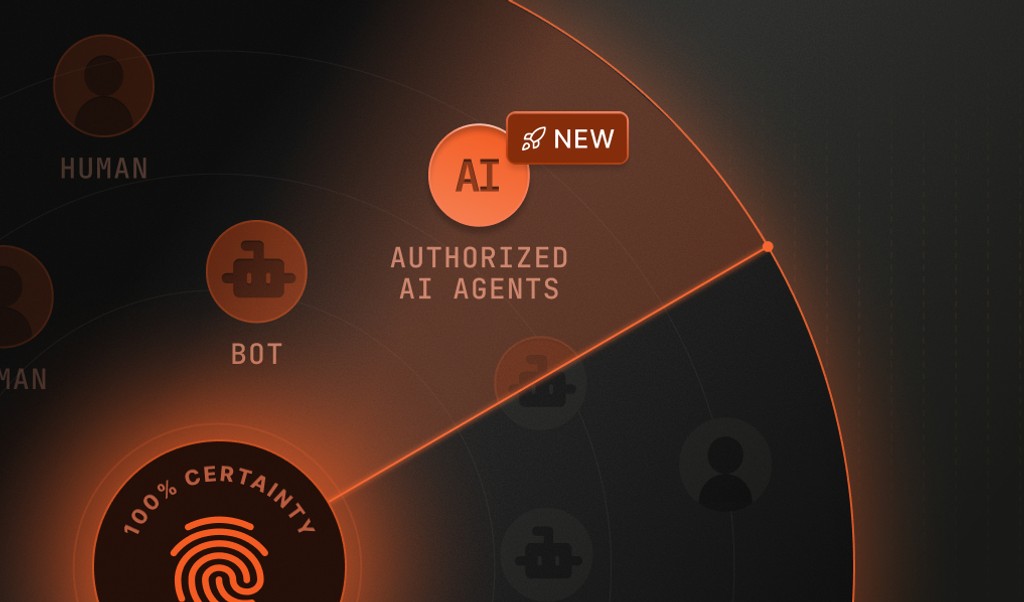
It’s worth noting that when we call Muse a "bad" bot, it’s because it does not declare its identity. This classification does not, by itself, indicate malicious activity. You might choose to extend a verified agent the latitude you give a trusted partner, but an agent whose identity cannot be confirmed has to earn trust one action at a time.
How to detect Muse step by step
- Step 1. Install Fingerprint on your website. You can start with a free account and start seeing data in minutes.
- Step 2. View our JS Agent bot detection to see the different bots that are interacting with your browser surfaces
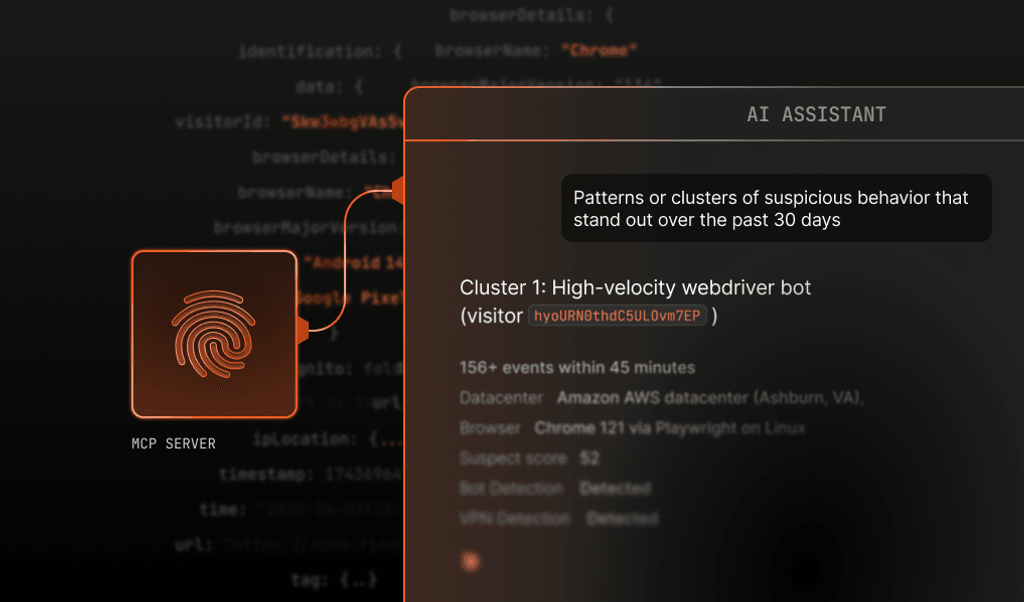
- Step 3. Leveraging our Server API or MCP server, you’ll be looking for
bot_type: "meta_muse"to monitor Muse traffic. You can also filter down using our dashboard to see events involving bot name:"Muse". - Step 4. You can then use our rules engine or your own system to apply rules and policies for when this type of traffic hits your site.
Understanding the shape of your traffic is key to policy creation
As more “ordinary” users start using assistants like Muse, we’ve seen that it’s difficult for organizations to decide what policies to apply to AI agents and assistants. It starts with understanding your traffic, and this is made more difficult when legitimate traffic tries to hide itself in much the same way as suspicious traffic does.
Fingerprint device intelligence provides vital clues to the shape of your traffic so that you can decide what to do next. You can start to recognize and answer questions like:
- What percentage of your ordinary users typically use a VPN?
- Is the presence of browser tampering signals almost always an indicator of a fraudulent user?
- What percentage of anonymous browsers are returning visitors?
- Is one user trying to pretend to be many, leveraging co-located device farms, anti-detect browsers, or automation techniques?
Our Smart Signals and Automation Intelligence can shed that light on your traffic, and everything about our product, use case tutorials, and documentation is designed to help you make sense of what all of those signals mean.
Meta Muse AI detection: Availability details
If you're already a Fingerprint customer with Bot Detection, Muse detection is now included at no additional cost. Contact our support team to get started. (To protect our more algorithmically sensitive customers, some of whom require advance notice of model changes, we’re rolling out this functionality on a staggered basis.)
If you're not yet a Fingerprint customer, you can start for free today and start detecting Muse traffic — or talk to our team about how it fits into what you are building.