In September 2026, a venture investor asked his AI assistant to get him a table at 4 Charles Prime Rib, one of New York's hardest reservations, which takes bookings through Resy, a popular restaurant reservation app.
Instead of opening Resy himself, the investor just sent his AI assistant a text. When he later tried to log in himself, his account had been deactivated. According to CNN, the AI assistant had been pinging Resy "hundreds of times every hour of the day."
That AI assistant was Instinct. Resy reinstated the account, but the episode shows what more websites will see as AI agents like Instinct spread: a real customer's errand that, from the site's side, looks like a very fast stranger.
In this post, we’ll take a look at a pivotal question for fraud and risk teams: How do you detect and distinguish an Instinct agent from a regular human visitor?
Why people text Instinct instead of opening apps
Instinct is a personal AI assistant from Spear Street Technology, a San Francisco startup led by former Sierra research scientist Noah Shinn. It can shop for groceries, buy a train ticket, send flowers to a friend, reserve a tennis court for Saturday, and so on.
What sets it apart from other AI agents is its text-forward interface. Instead of opening a new app or watching an agent click through a browser, users message Instinct through iMessage, WhatsApp, or SMS, or simply call it, and it finishes the job.
Behind the scenes, Instinct runs on a persistent cloud computer with a real browser, the user’s connected accounts, and stored credentials, so it can keep at a task for hours.
It's available by invite-only, and exclusivity draws attention. Its user base reportedly passed 100,000 in September, and the company is in talks to raise at a $10 billion valuation, according to The Information.
What Instinct looks like to your site
Since Instinct is trying to pretend to be a human, it doesn't sign its traffic with Web Bot Auth or route through official integrations. It uses your site directly, pretending to be human.
The conversation between Instinct and the user happens in a text thread you never see. What your website sees is a device that’s performing tasks like a human. For example, it might first log in with a human’s credentials. Then, if your site asks for MFA, it will send a text to the user asking them to provide the 4 digit MFA code. Next, Instinct will enter that code for the user at your site.
Block it, and you may turn away a paying customer's agent. Allow it, and take on the risk of an automation using saved passwords and payment methods.
For fraud and risk teams, either decision has to start with knowing the visitor is Instinct.
How to detect Instinct with Fingerprint
Fingerprint's Bot Detection Smart Signal now labels automation inferred to be Instinct directly in its response.
Instinct joins the roster of AI agents and assistants we already identify, including OpenAI's Cloud-Based ChatGPT Agent, Google's Gemini Deep Research, Anthropic's Claude Code, and Perplexity, with many more catalogued in our Bot Directory.
To start detecting Instinct, follow these steps.
Step 1. Create a free Fingerprint account
Sign up for a free account, then add the Fingerprint JS agent to your site.
Step 2. Look for Instinct in the response
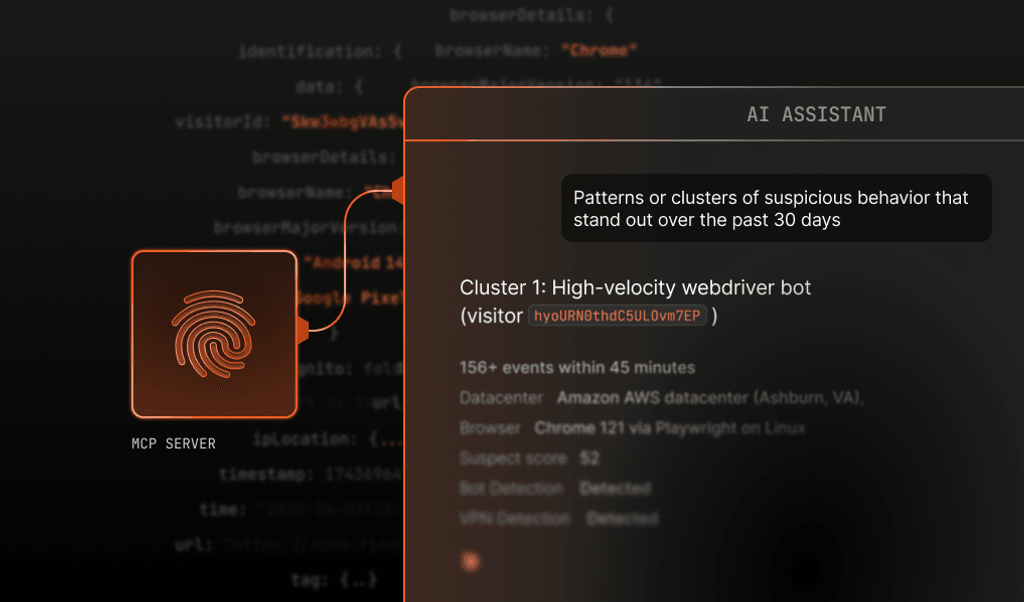
Query the Server API or MCP server for bot_type: "instinct", or filter the dashboard by bot name "Instinct." When Instinct appears, the detection response includes:
{
  "bot": "bad",
  "bot_type": "instinct",
  "bot_info": {
    "category": "ai_agent",
    "provider": "Spear Street Technology",
    "provider_url": "https://instinct.com",
    "name": "Instinct",
    "identity": "unknown",
    "confidence": "medium"
  }
}
Here's how to interpret the result:
bot: "bad"means Instinct does not declare its identity, not that its users are malicious. Most of them are real customers running errands. But an agent that cannot prove who it is, while holding a user's passwords and payment details, has to earn trust one action at a time.bot_type: "instinct"identifies automation inferred to be Instinct.category: "ai_agent"classifies the traffic as an AI agent acting for a user.identity: "unknown"means the agent is recognized, but no verifiable identity was presented.confidencereflects confidence in the inference and can be"high","medium", or"low".
Step 3. Match your response to what the agent is doing
Using our rules engine or your own systems, you can respond based on where Instinct is on your site:
- Limited inventory, such as reservations or ticket drops: You can rate-limit Instinct sessions so no agent can act faster than a person could.
- Logins and account changes: You can step up verification when an unidentified agent reaches sensitive settings.
- Checkout: You can let routine purchases through, and look harder when the session also carries Smart Signals like browser tampering or VPN use.
>> Have an Instinct invite? Text Instinct a link to our playground, ask for the event ID, and look up that event to see the label for yourself.
Instinct detection: Rollout and availability details
Instinct detection in Fingerprint is rolling out now and will reach all accounts over the next week. It's included at no extra cost for Pro and Enterprise customers utilizing the Bot Detection Smart Signal. Contact our support team if you would like to learn more about how Instinct detection can work for your setup.
If you're not yet a Fingerprint customer, you can start for free today and start exploring our agent detection capabilities — or talk to our team about how it fits into what you are building.